Meal planning for a well-run household

An AI-powered operating system for family meals.

Built for households that value tech-driven clarity and thoughtful automation—reducing the repeated decisions about what to cook, how much to make, and how meals should evolve as your child grows.
AI-powered meal planningModular recipes + menusParent-governed
Continue to Feeding Wes
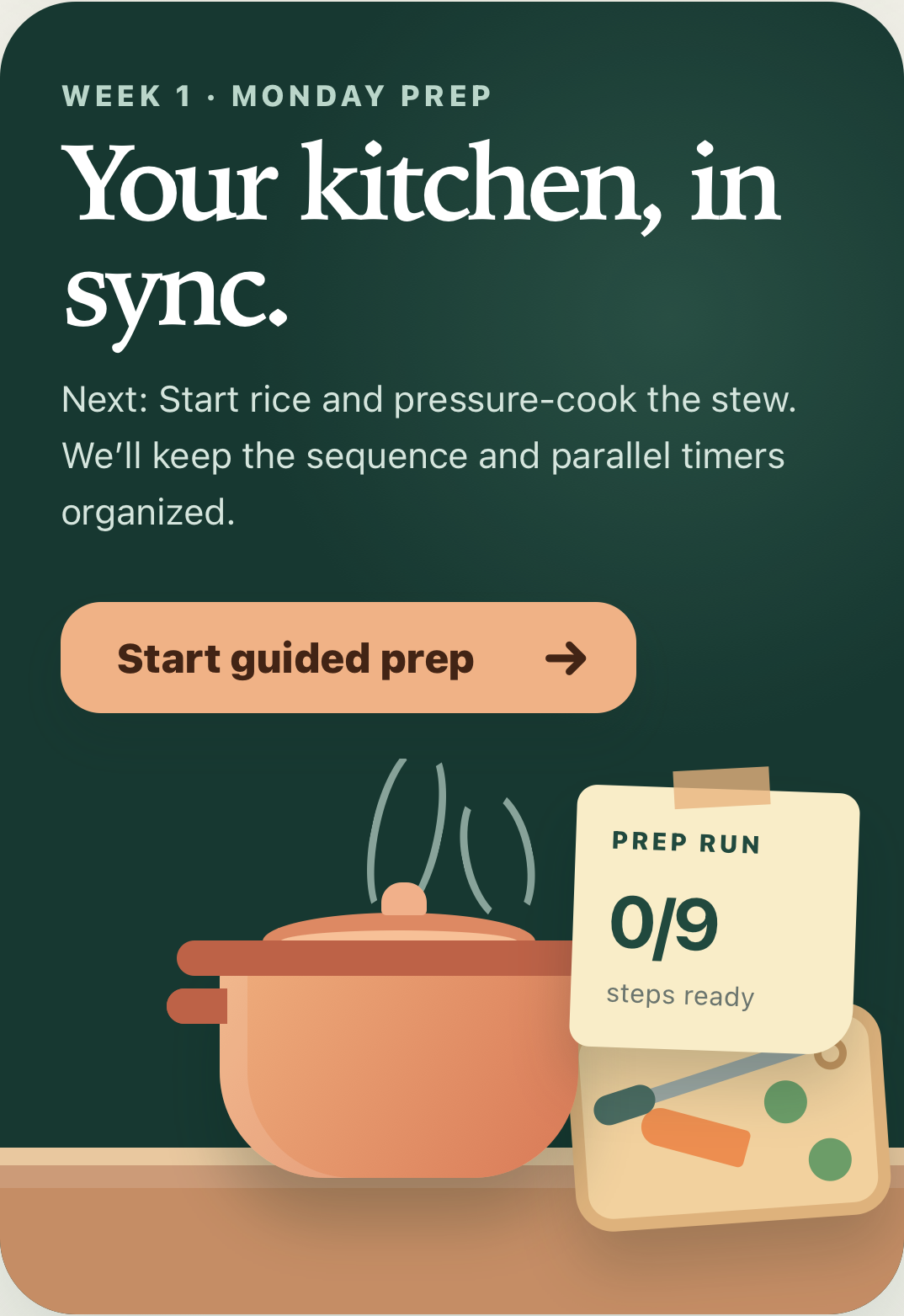
Your kitchen, in sync guided prep overview with the next action clearly presented
Guided prepOne clear next step

Built to remove repeated decisions

Plan once. Then shop, cook, scale, label, store, and adapt from one connected household system.

A library that takes your input

Bring a recipe. AI does the rest.

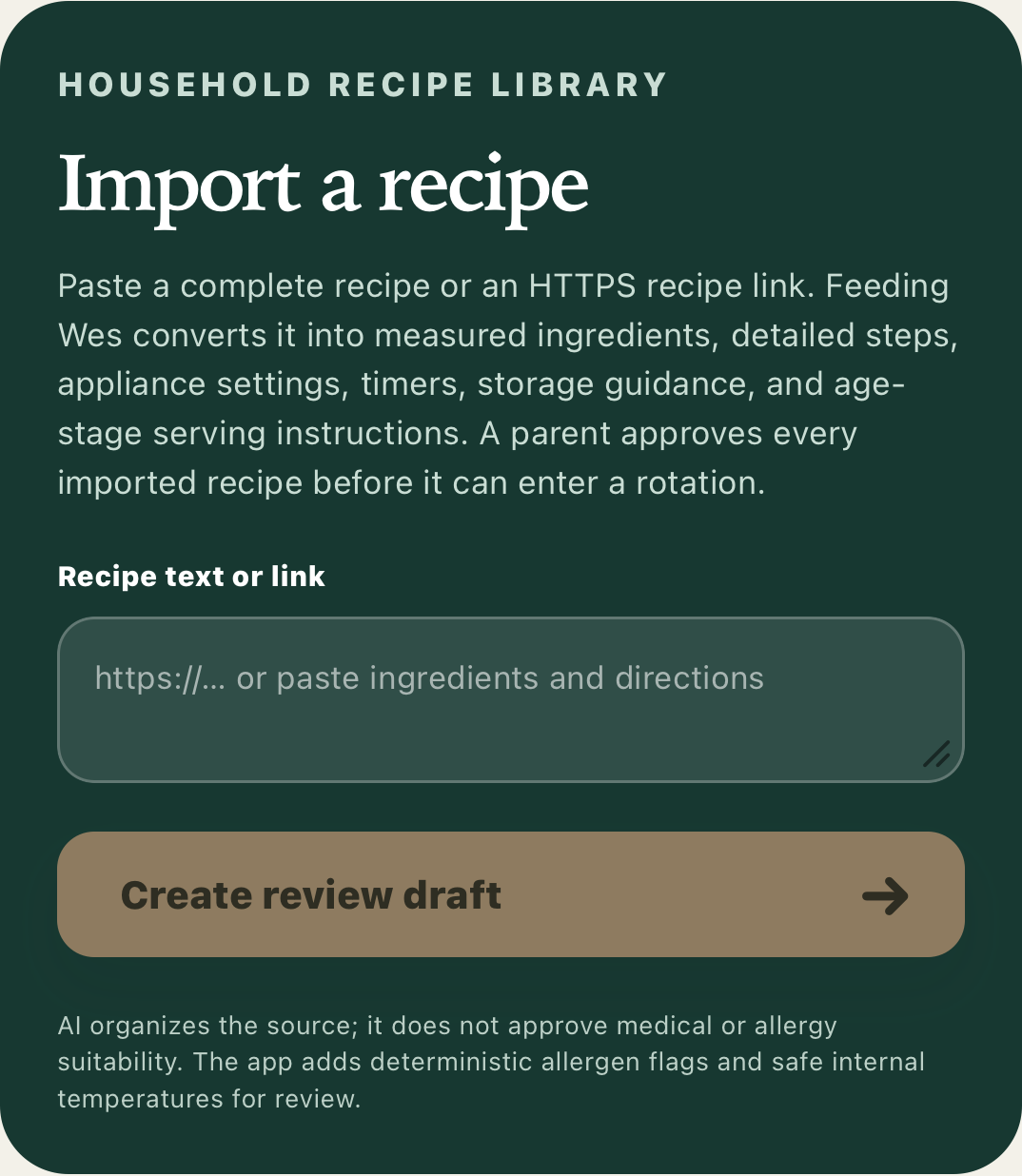
Paste a public recipe URL or recipe text. Feeding Wes converts it into a measured, scalable draft with the same step-by-step structure as the rest of the app—then leaves approval to a parent.
  • Developmental-stage and allergy-plan modifications stay explicit
  • Recipes that are not ready yet remain stored and surface at the appropriate stage
  • Disliked recipes can be archived or permanently deleted by a parent
Recipe import panel centered on adding a URL or pasted recipe

Designed around automation

A living meal plan, not another list to manage.

01

A menu that grows with your child

Only recipes suited to the current developmental plan are recommended. Future-stage recipes wait in the library until they become relevant.

02

Four weeks, never set in stone

Start with a balanced rotation, then swap any breakfast, snack, lunch, dinner, or prep recipe before the week begins.

03

Cook for who is eating

One household scale updates measured recipes, prep quantities, the shopping list, packing, and labels from one child through six adults.

04

One edit updates the operation

Menu changes, ingredient substitutions, prep instructions, labels, freezer inventory, and consumption records remain connected.

1coordinated app

6editable batch recipes

0–6adult portions

4rotating weeks

Household-synced

Everyone moves together.

One connected path from choosing the week through the meals that were actually served.
01 · Select

Start from a recommended weekly lineup.

Review six age-appropriate batch recipes, keep the recommendation, or open the approved library and edit the week before prep.
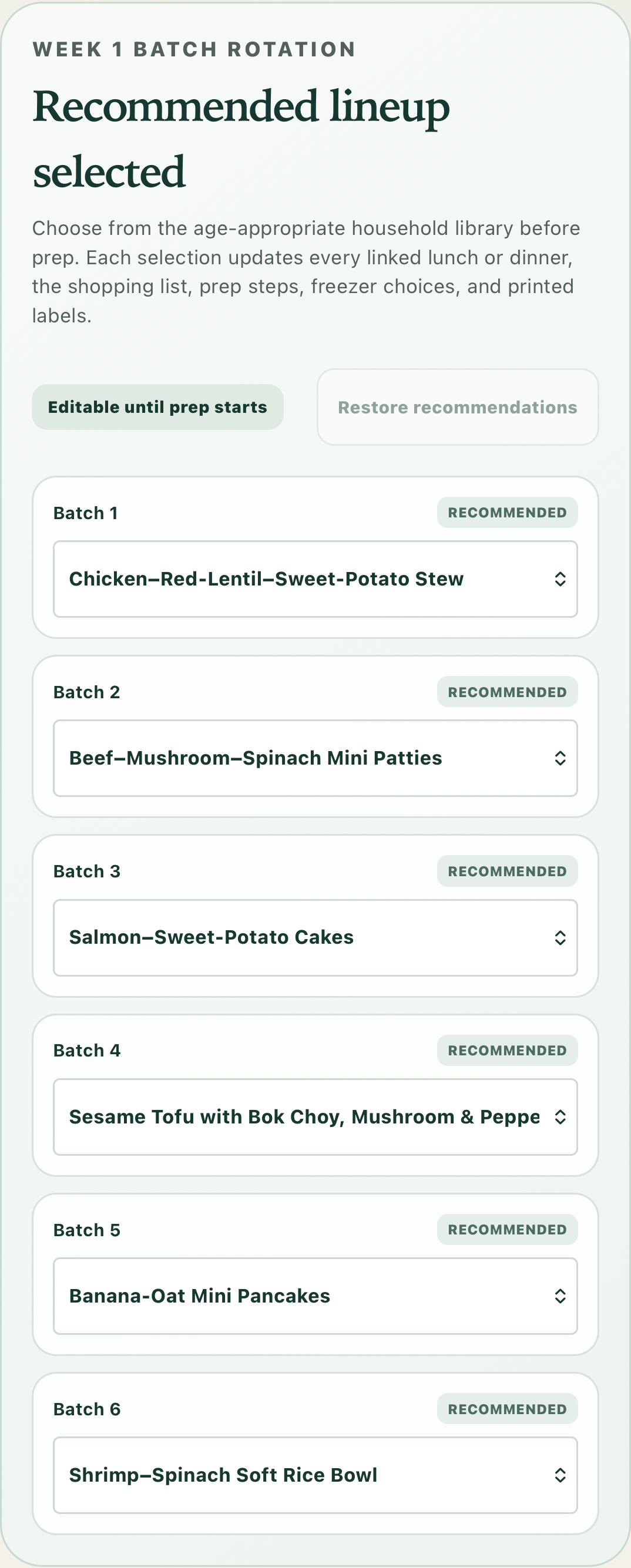
Expanded weekly lineup editor with six swappable recipes
02 · Review

See the whole day before prep begins.

Breakfast, lunch, snack, and dinner stay recognizable from the weekly plan. Every meal can be changed without losing the original recommendation.
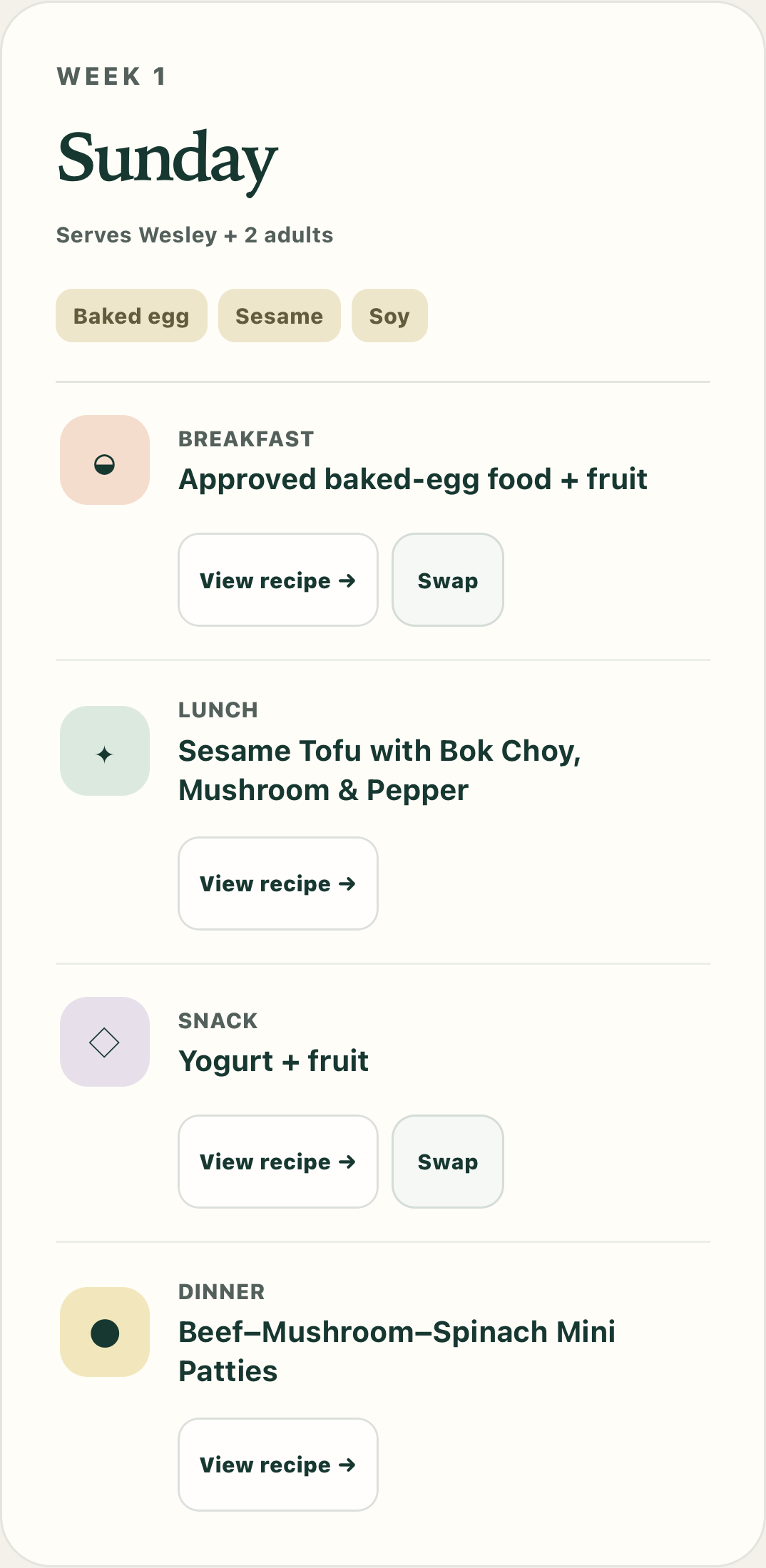
A complete day showing breakfast, lunch, snack, dinner, and household portions
03 · Scale

Cook for the household based on who is eating.

Set the number of adults once. Every measured recipe, shopping amount, prep instruction, and packing quantity updates together.
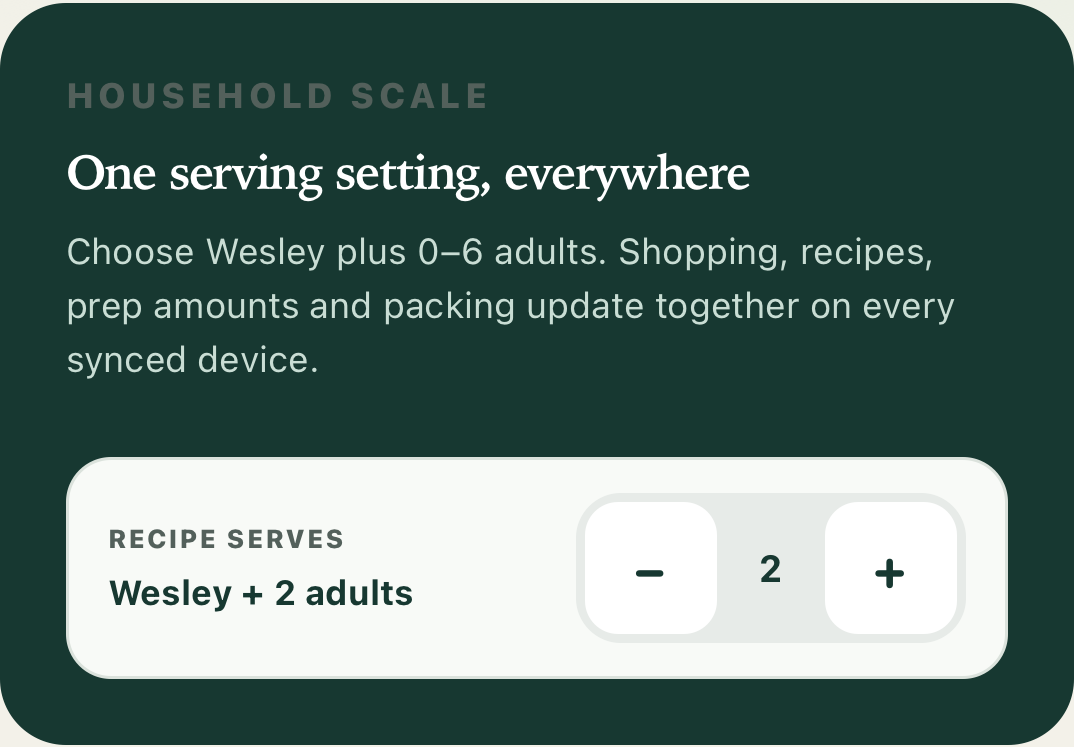
Household scale in focus with one child and two adult portions selected
04 · Shop

Check off what you bought—or replace what is unavailable.

Breakfasts, snacks, and batch meals share one list. Mark an unavailable ingredient and every linked recipe is updated when a verified substitution exists.
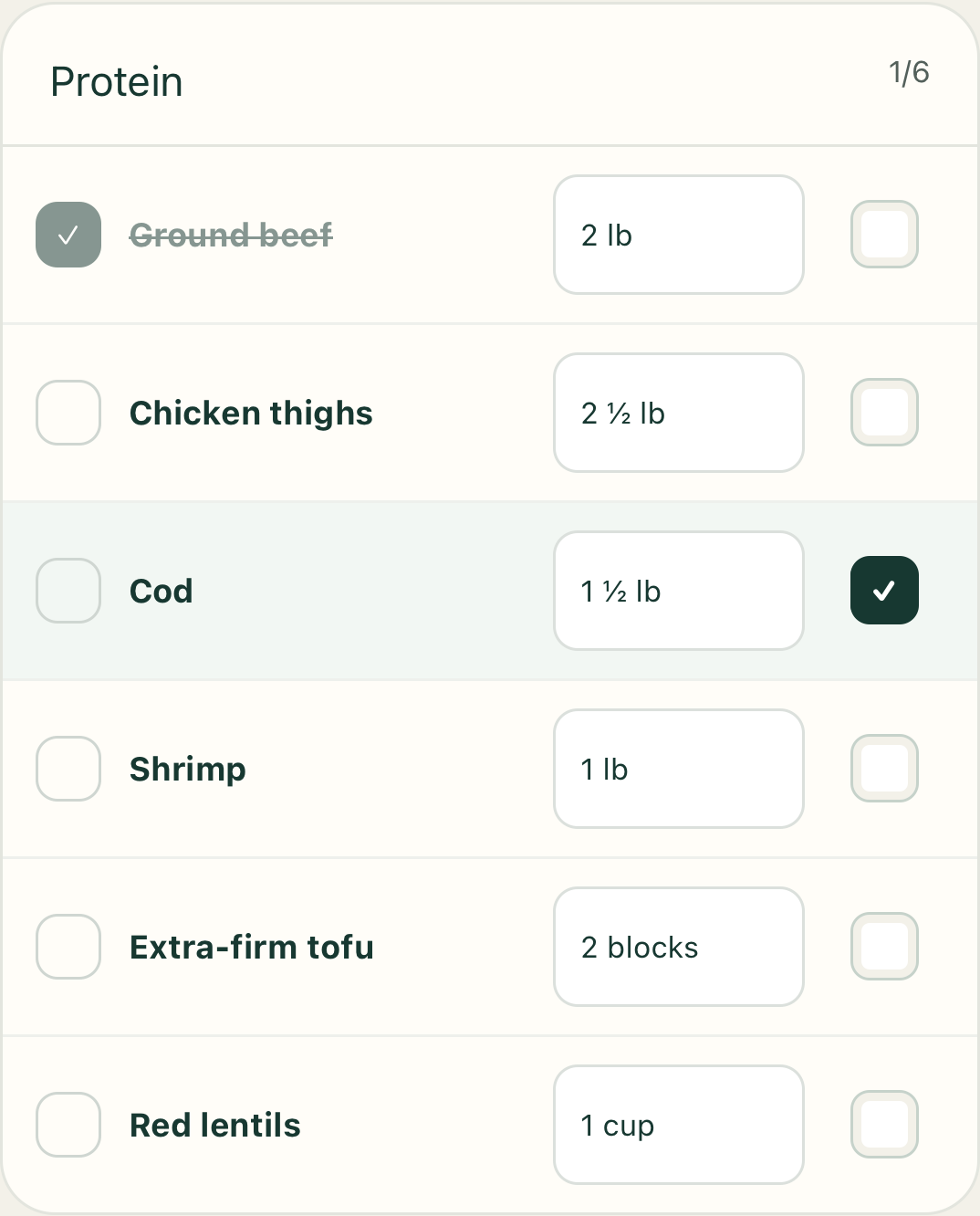
Shopping list with individual purchased checkboxes and ingredient unavailable controls
05 · Prepare

Follow a complete recipe, then move into guided prep.

Measured ingredients, appliance settings, safe internal temperatures, step-by-step quantities, storage, and labels are all part of the same recipe view.

Detailed scalable recipe with ingredients, appliance setting, safe temperature, and numbered steps
06 · Understand

Keep a useful summary—without the clutter.

Your child’s recent four weeks, past cycles, and lifetime history remain available, with meal-level detail expanding only when needed.
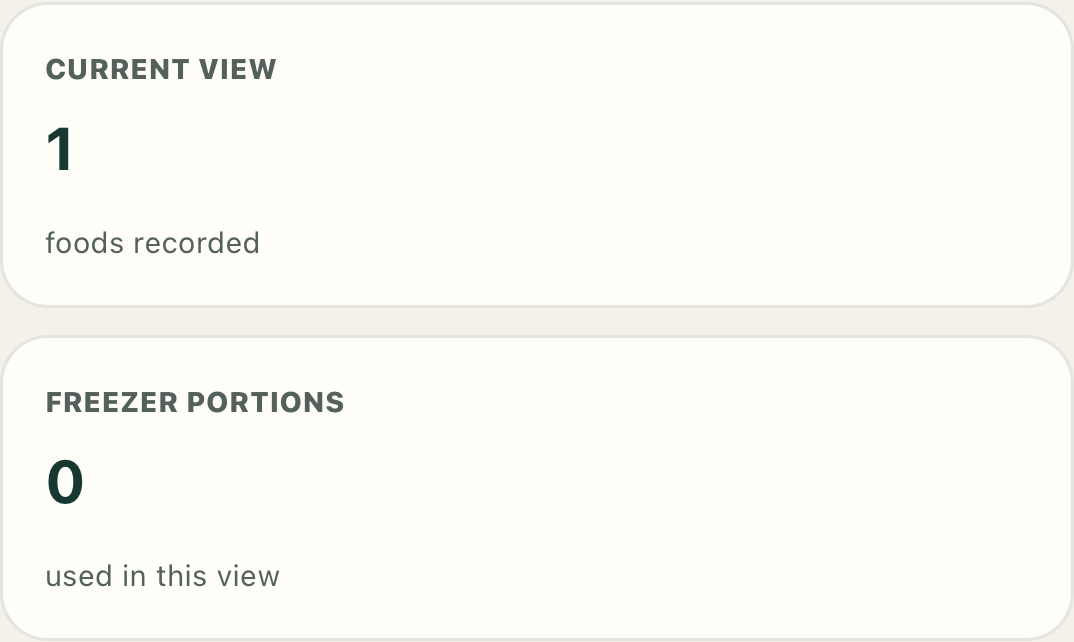
Child consumption summary with recent, past-cycle, lifetime, and freezer totals

Interactive recipes + instructions

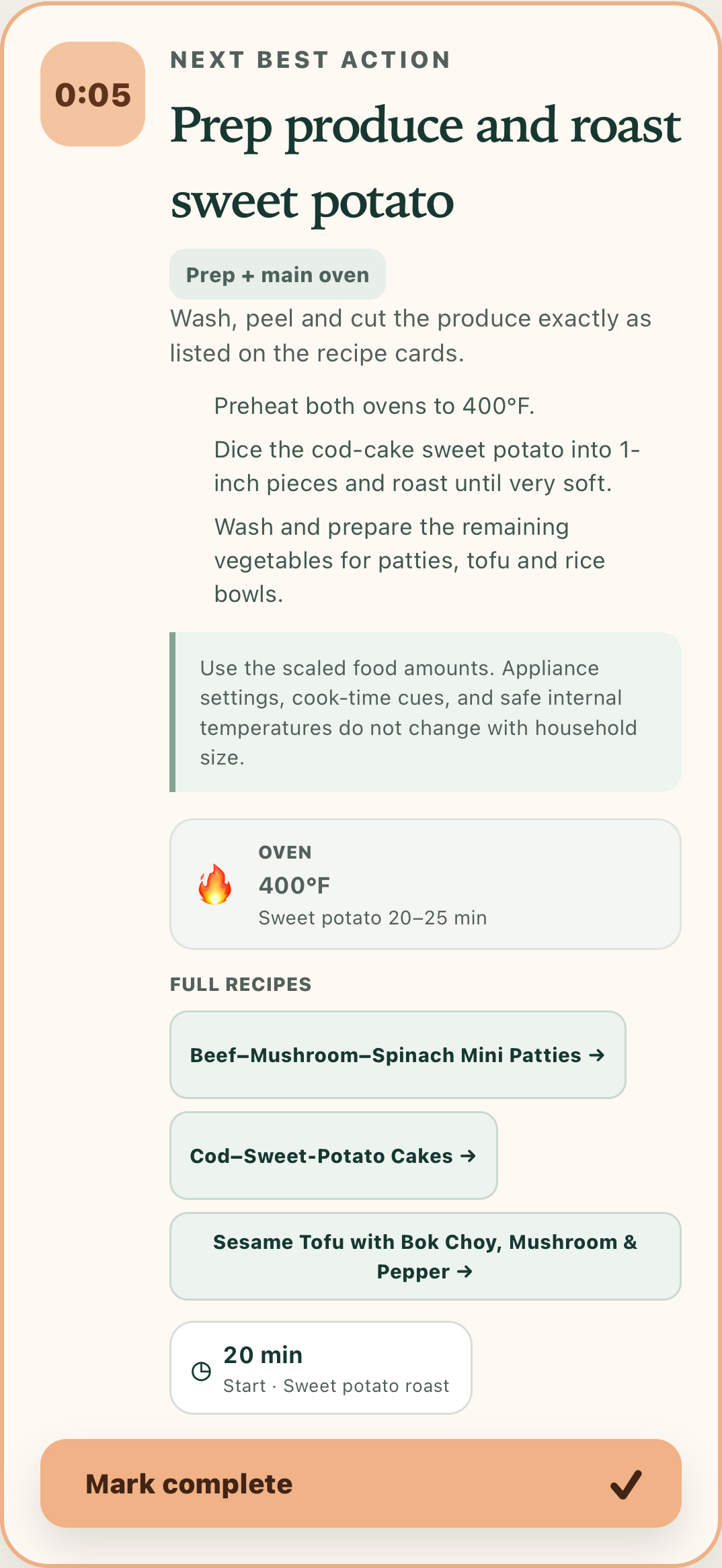
One clear next step—even with two cooks.

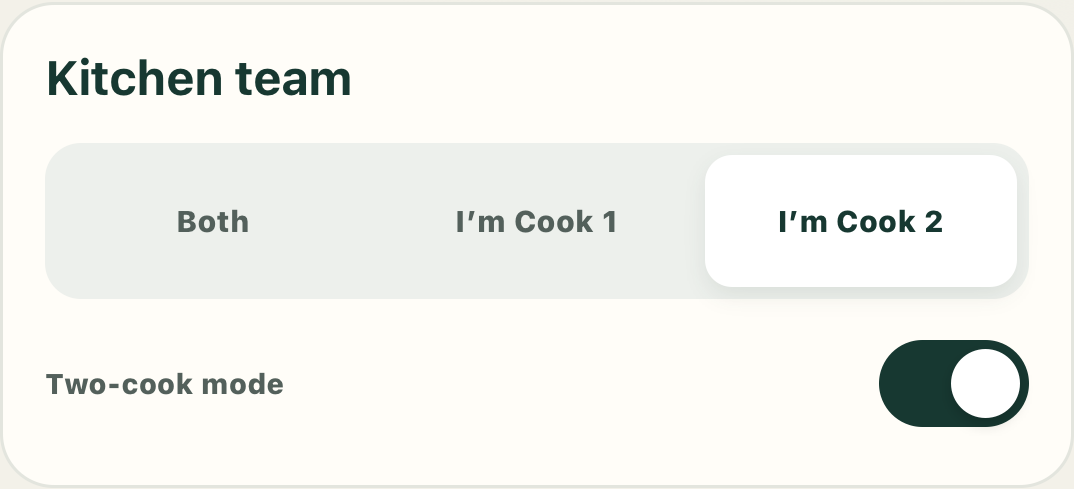
Each cook selects a kitchen lane and sees the active task assigned to them. Appliance settings, cook time, food-safe temperature, quantities, and alarms stay attached to the step that needs them.
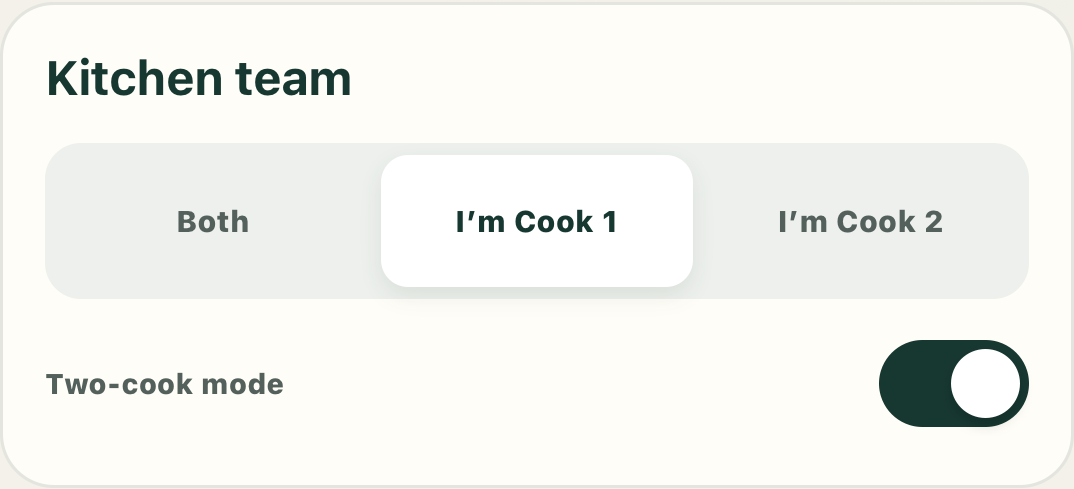
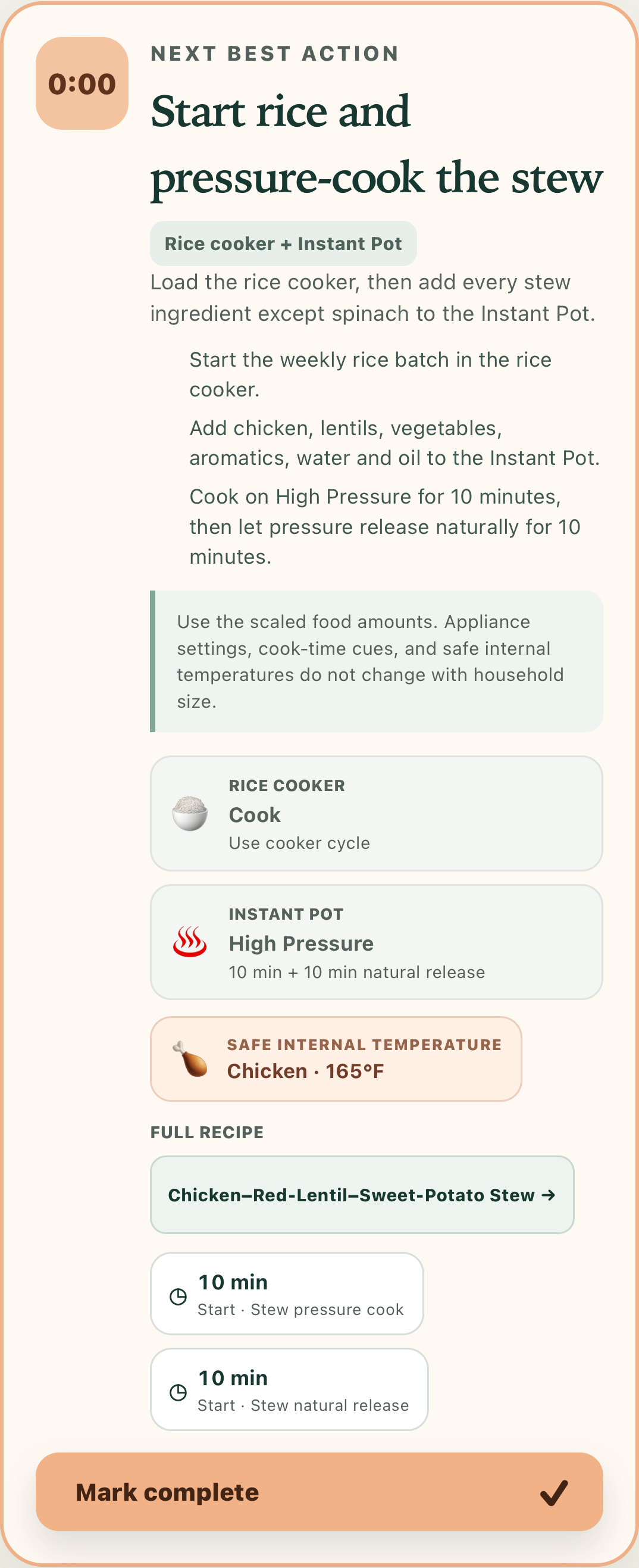
  • Only one cook? No problem—the same guided sequence works in solo-cook mode
  • Recipe-linked sound and notification alarms
  • Appliance and safe-temperature cues in context
Cook 1Assigned kitchen lane
Cook 1 selected in guided prep
Complete Cook 1 active task with settings, ingredients, temperature, and timer
Cook 2Assigned kitchen lane
Cook 2 selected in guided prep
Complete Cook 2 active task with settings, ingredients, temperature, and timer

Multiple precise alarms

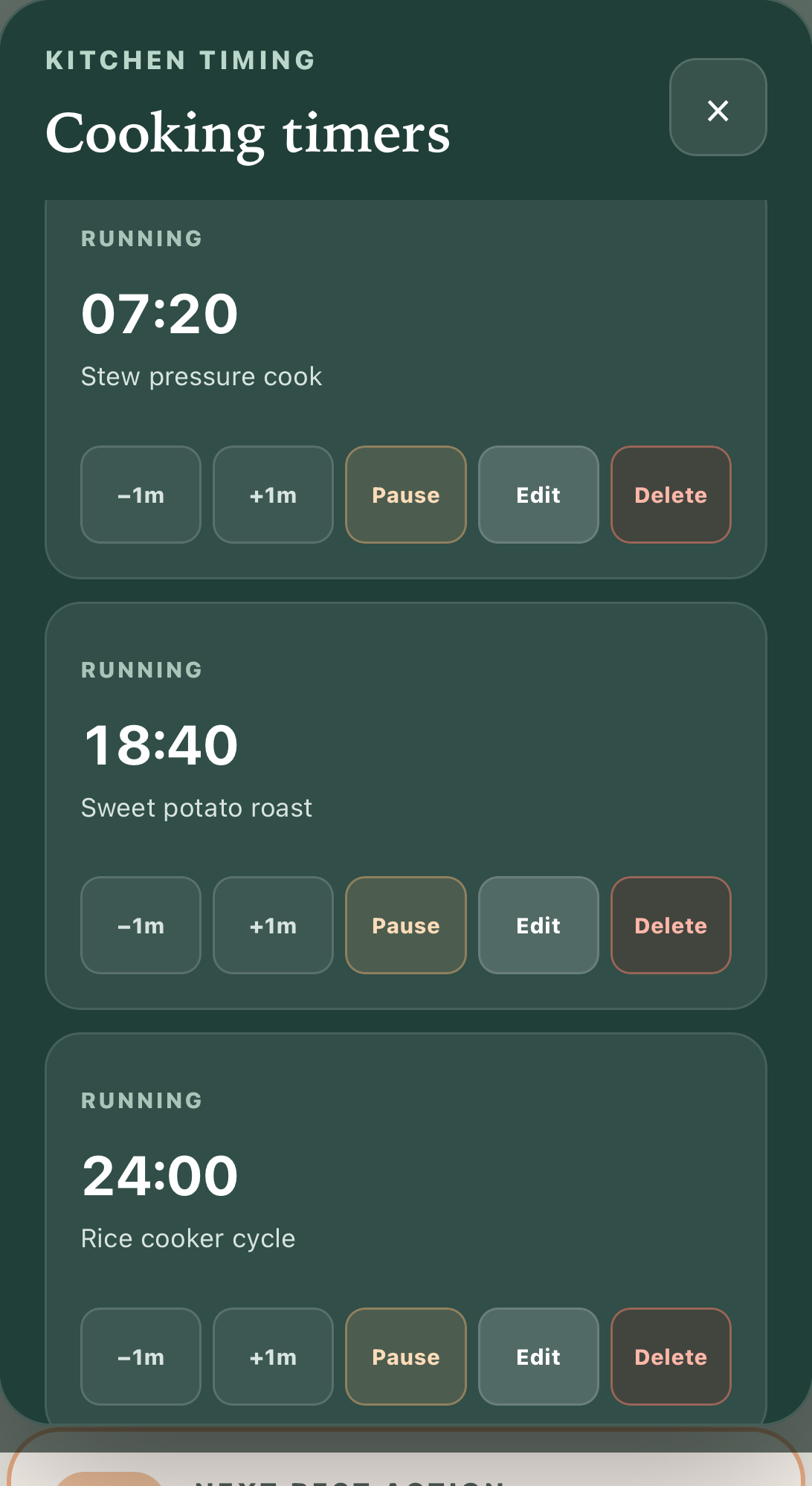
Every timer lives in one dock.

Run several recipe-linked timers at once. The dock remains reachable from any view, with pause, edit, add-time, sound, and delete controls for each alarm.
Editable timer dock showing multiple active recipe timers

Applied directly after prep

Labels made for food storage.

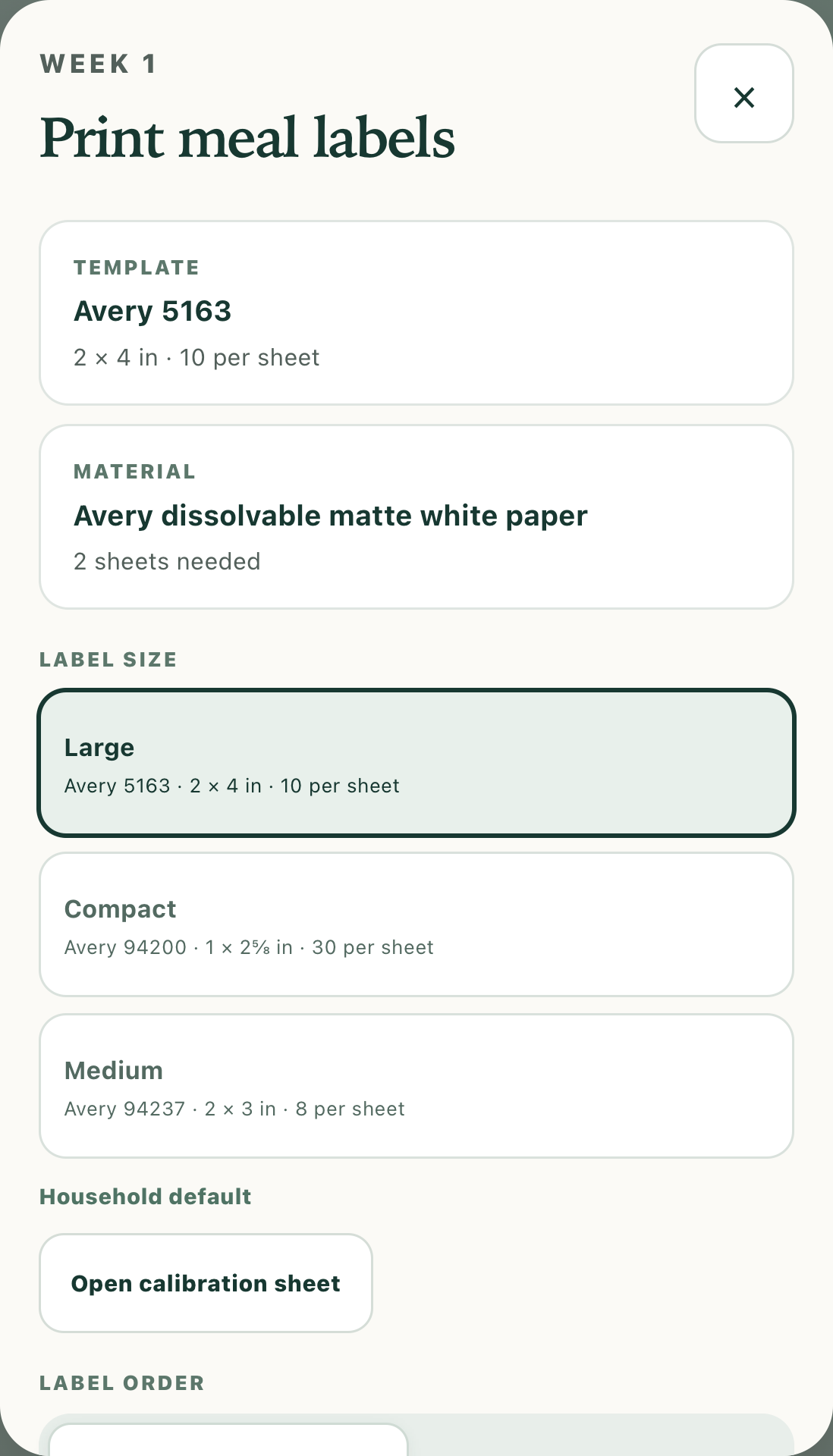
Choose among three Avery layouts and AirPrint the dish, day, and meal onto labels that adhere to plastic or glass Tupperware and storage containers.
Meal label printer with Avery layout selection and print preview

Private by design

For your child’s approved household and caregivers—not the public internet.

Access is limited to invited parents and caregivers. Sensitive feeding-plan changes remain parent-managed, while caregivers can still shop, prep, adjust portions, manage the freezer, print labels, and record meals.

Feeding Wes app icon

AI-powered weekly meal planning for busy families

Ready when you are.

Open Feeding Wes